|
Overview
Unleash Your Imagination...With No Design Experience Needed!
Take a fresh approach to the way you live with HGTV® Home Design
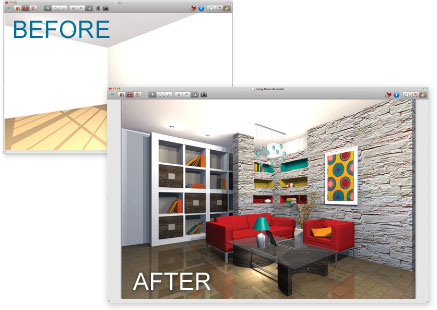
Software for Mac. This innovative home design software for Mac delivers the powerful tools and inspiration needed to transform your living space, plus expert help to get the job done right. It’s the ideal software for updating any room in your home, exploring your design style or redecorating using your existing furnishings. From a green kitchen to a dream home to living rooms, bathrooms and more, you’ll find all the tools you need to easily plan, create and experience your new living space – all before spending a dime..
Update, Redecorate, Remodel and More!
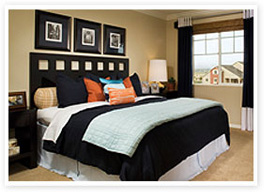
Redecorate Your Way
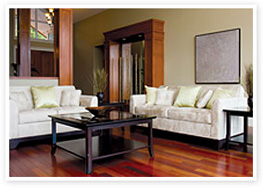
Create a New Family Living Space
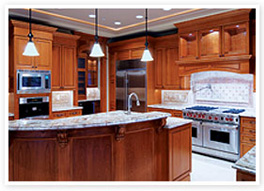
Up-to-Date and Energy Eficient
Renovate and Renew
Product Features
Powerful Home Design Features
- Intelligent Walls: Easily draw interior and exterior walls that automatically connect and repair.
- Doors: Choose from a library of different styles. Customize size, color and materials.
- Windows: Just click along a wall to insert windows. Then use the inspector to modify dimensions and materials.
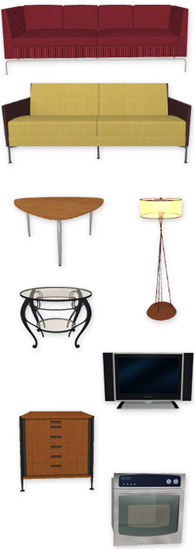
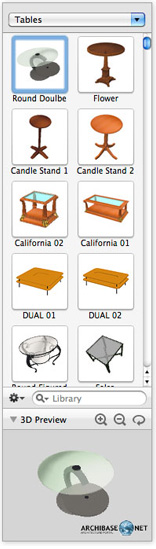
- Complete Furniture & Appliance Library: Hundreds of 3D models to choose from!
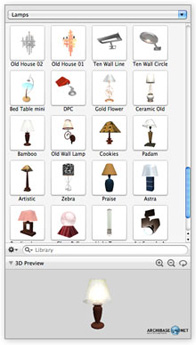
- Lighting Fixtures Library
- And Much More!
Flexible Interior Design Features
- Replace Paint and Fabric: Point and click to try out new paint, wallpapers and fabrics on any wall or surface.
- Flooring Materials Library: Woods, tiles, carpets, and more
- Countertops Library, including granites and marbles
- Complete Furniture & Appliance Library: Hundreds of 3D models to choose from!
- Brand Name Content: Access thousands of free 3D models in the Google 3D Warehouse.
Complete Kitchen and Bath Design
- Appliance Library: Refrigerators, ovens, ranges and more
- Versatile Materials Collection: Customize the look of any object or surface from a library of paints, stains, stone, tiles, metals and more.
- Cabinets: Insert new cabinets, then customize materials and colors.
- Sinks, showers and baths
- And Much More!
Realistic Visualization Features
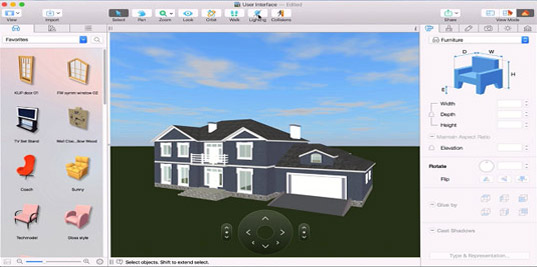
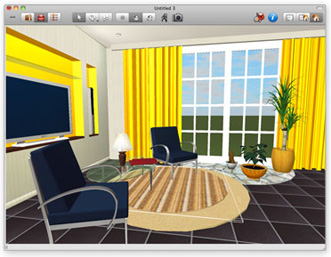
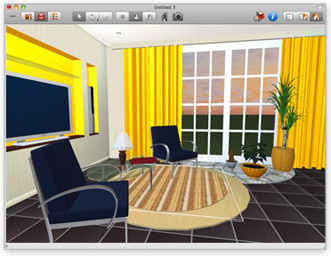
- Design in Photorealistic 3D: The changes you make in 3D are simultaneously made to your 2D plan - automatically!
- 3D Walkthrough: Create virtual tours to visualize your finished living space before you ever start your project.
- 2D Split 3D View: Work simultaneously in a split 2D/3D view.
- Accurate Natural Lighting: Visualize your home's interior at different times of day.
- Easy Zoom and Navigation
Inspiration from HGTV
- Video Library: HGTV How-To Video Tips
- RateMySpace: Get helpful tips from do-it-yourselfers like you!
- Go Green! Tips to conserve energy and save money on your utility bills
- And Much More!
Get Started Fast
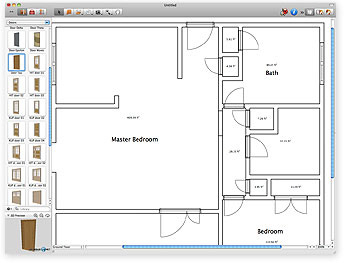
Point and click to draw rooms and walls,
plus create 2D floor plans in minutes.
Smart Guides make it easy!
Drag and drop to add paint, wallpaper,
tile and flooring. Even specify door and
window styles. It’s easy to design your
entire project in 3D.
Choose from more than 1,200 objects,
including furniture, appliances,
cabinets, lamps, rugs and more! Then
save your finished project as a
photorealistic image or a 360°
QuickTime movie.
Includes HGTV How-to Videos plus Green Energy Tutorials.
Get tips from the experts with a complete library of HGTV How-To Video Tips!
HGTV Home Design for Mac shows you how.
Complete Materials Library
Paints & Surfaces and More!
Select from 1,500+ materials: paint, wood,
carpet, fabric, tile, wallpaper, roofs and more!
Even create your own materials using digital photos.
Customize the look of furniture, appliances and other
3D objects using a complete library of materials.
Just drag and drop fabric, metal, wood and leather to change
the appearance of any object.
3D Appliances & Furnishings
Personalize any room with appliances, furniture, fixtures, cabinets,
lighting, and other items from a complete library of 3D objects. Even expand
the library by importing objects from the Google 3D Warehouse. Adding a unique
look to any room is as easy as dragging and dropping.
Includes 1,200+ 3D objects
Specify the size of any object
Kitchens & Baths
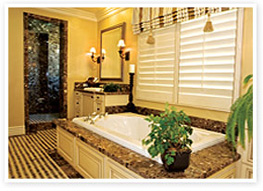
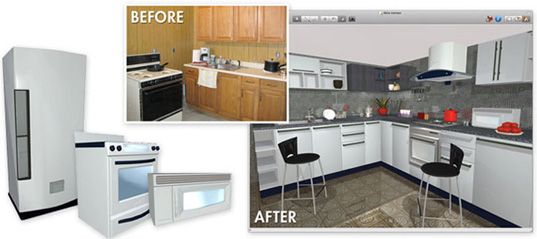
HGTV Home Design for Mac makes it easy to design the kitchen or bath of your dreams. Make your home energy-efficient with new appliances, or modernize your bath with new tile, countertops, cabinets and more.
Redesign a 1970's kitchen.
Update a bath with new tile and cabinets.
Room Additions and Makeovers
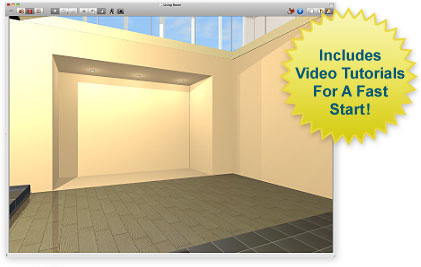
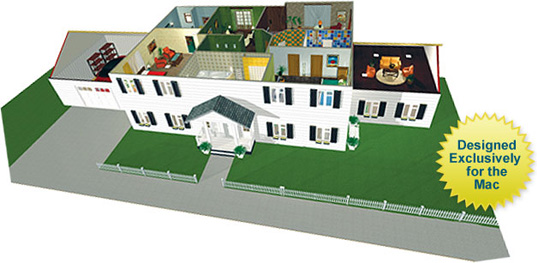
Easily plan room additions, makeovers and other projects. Then instantly see the results in 3D. Even take a real-time 3D walkthrough in your new room
Roofing
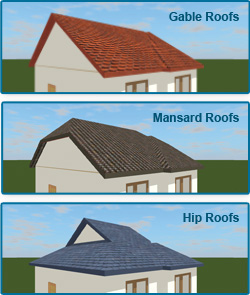
Select your roof's style and dimensions while creating and visualizing your home in 3D.
Doors, Windows and Stairs
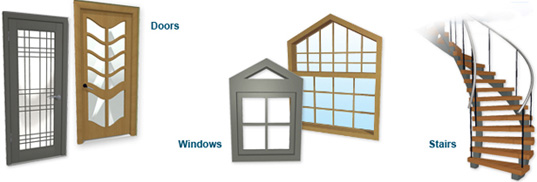
Just point and click to add windows, doors and stairs. Choose from dozens of styles.
Powerful Lighting Controls
Preview how your design will look at any time of the day. Even set the geographic location and amount of cloud cover to give your 3D design a realistic look.
Set Time
Complete Library of Lamps & Lighting
System Requirements
OS X 10.5 or later
1 GB RAM
PowerPC or Intel Mac
Internet connection required to access online features
|
 |